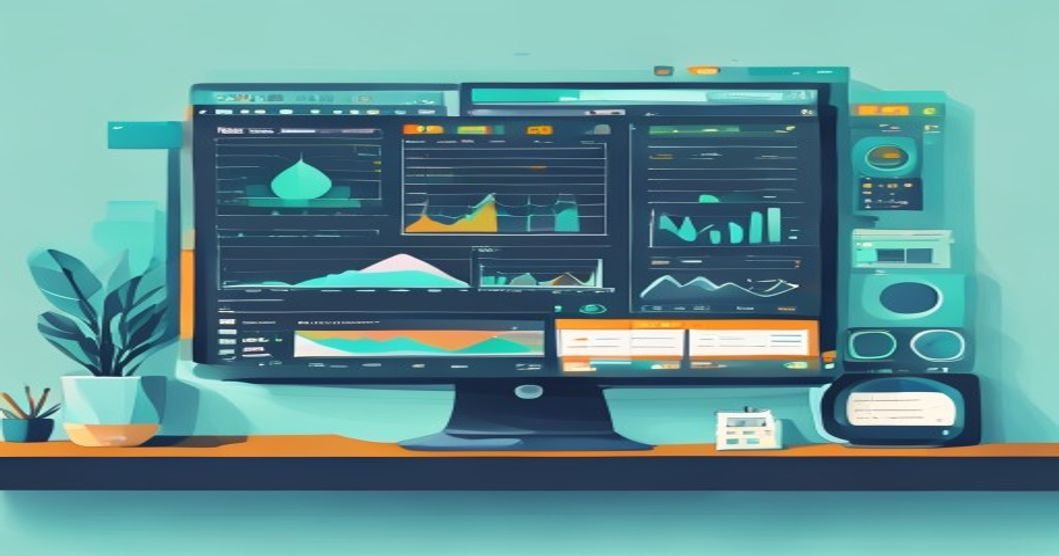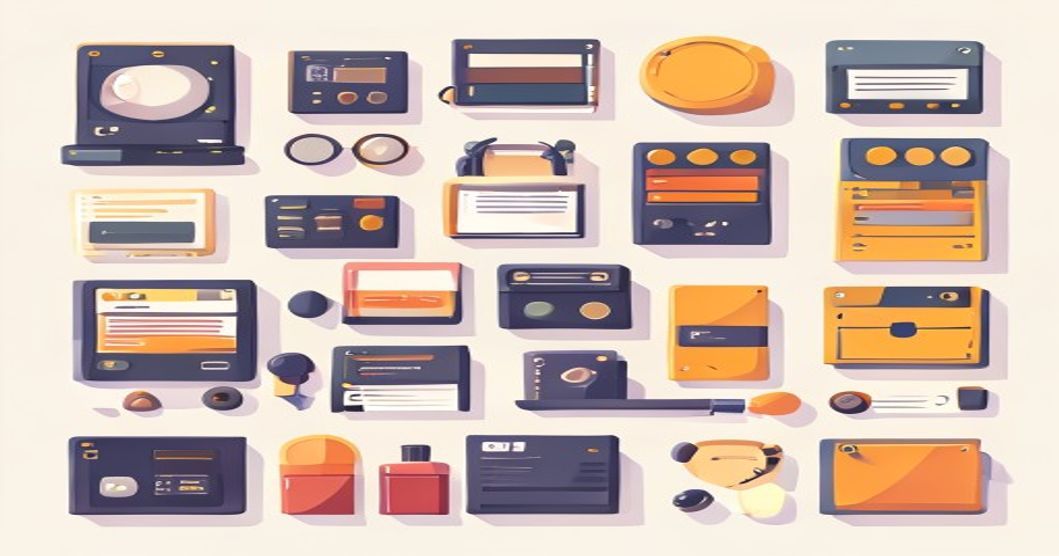
In the fast-paced world of Indian tech startups, from the rapid scaling of Flipkart to the sleek interfaces of Razorpay, a secret weapon separates the chaotic from the competitive: a well-defined design system. For founders and product teams, the pressure to ship features quickly often leads to inconsistent buttons, mismatched colors, and a frustrating user experience that ultimately slows you down. Building a design system isn't a luxury for Silicon Valley giants; it's a strategic necessity for Indian startups aiming for sustainable growth, brand trust, and efficient scaling without constant redesign debt.
What is a Design System & Why Your Startup Needs One
Think of a design system as your product's single source of truth. It's more than just a style guide or a UI kit; it's a living library of reusable components, clear standards, and principles that govern how your product looks and works. For an Indian startup, this is crucial because resources are tight, and teams are often small and wearing multiple hats. A design system brings order, ensuring that whether a developer in Bangalore or a new designer in Pune works on a feature, the output is consistent.
The benefits are tangible and directly impact your bottom line:
- Speed & Efficiency: Developers spend less time rebuilding the same button and more time on complex logic. This accelerates your go-to-market for new features.
- Consistency & Brand Trust: Users subconsciously trust a product that behaves predictably. Whether on your app, website, or marketing page, a unified experience strengthens your brand, a key differentiator in crowded markets like fintech (Paytm, Zerodha) or food delivery (Swiggy, Zomato).
- Scalability: As you grow from a 10-person team to 100, onboarding new hires becomes easier. They have a clear rulebook to follow, reducing reliance on tribal knowledge.
- Improved Collaboration: It creates a shared language between designers, developers, and product managers, reducing misunderstandings and rework.
Core Components of Your Design System
Your design system should be a practical toolkit. Start with these foundational elements before diving into complex patterns.
1. Design Tokens
These are the smallest building blocks: named entities that store visual design attributes. Think of them as variables for your design.
- Colors: Primary, secondary, error, success, and neutral palettes with clear usage rules.
- Typography: Font families, scales for headings and body text (e.g., H1: 32px, Body: 16px), and line heights.
- Spacing & Layout: A consistent scale (like 4px or 8px base unit) for margins, padding, and grid systems.
- Border Radius, Shadows, and Elevation: Standardized values for depth and styling.
2. Component Library
This is the collection of reusable UI blocks built using your design tokens. Each component should be documented with its different states (default, hover, active, disabled).
- Basic: Buttons, input fields, dropdowns, checkboxes, radio buttons.
- Composite: Cards, modals, navigation bars, data tables, alerts.
- Document each component's purpose, visual specs (tokens used), and code snippet.
3. Patterns & Guidelines
This section explains how to use the components together to solve common user problems. It's the "why" behind the "what."
- Content Guidelines: Voice and tone for your brand, writing style (especially important for multilingual Indian contexts).
- Accessibility Standards: Ensure your system supports WCAG guidelines, crucial for inclusive products in a diverse market.
- Common UX Patterns: How to build a form, design an empty state, or create a successful notification flow.
Step-by-Step: Building Your First Design System
You don't need a massive team or budget to start. Follow this pragmatic approach.
- Audit Your Existing Product. Take screenshots of every unique UI element across your app/website. Group them and identify inconsistencies. This audit reveals your starting point and priorities.
- Establish Foundational Tokens. Define your color palette and typography scale first. Use tools like Figma or Adobe XD to create these styles. This step alone brings immediate visual cohesion.
- Build the Core Components. Start with the most used elements: your primary button, text input, and a card. Build them in your design tool and in code (using React, Vue, etc.). Involve developers from day one.
- Document Everything. Use a tool like Storybook for your coded components and a shared Figma file or a simple internal wiki (like Notion or Confluence) for design guidelines. Documentation is what makes the system usable.
- Socialize and Iterate. Introduce the system to your team. Train them on how to use it. Gather feedback and be prepared to update it. A design system is a product that serves your product.
Tools & Platforms for Indian Teams
Thankfully, world-class tools are accessible and often have free tiers suitable for startups.
- Design & Prototyping: Figma is the industry leader for its collaborative, cloud-based interface. Adobe XD is another strong option.
- Component Development & Documentation: Storybook is the quintessential tool for developing and showcasing UI components in isolation. It integrates with most front-end frameworks.
- Versioning & Collaboration: Use Git (with GitHub or GitLab) to version-control your design system's code. For design files, Figma has built-in version history.
- Getting Inspired: Study public design systems from companies like Atlassian, GitHub, GOV.UK, and even Indian giants like Flipkart (if available) to understand structure and depth.
Common Pitfalls to Avoid
Many Indian startups stumble after the initial enthusiasm. Avoid these mistakes:
- Building in a Vacuum: The design system team must include at least one designer and one front-end developer. It's a joint effort.
- Over-Engineering Too Soon: Don't try to build a system like Google's Material Design on day one. Start small, solve immediate pain points, and expand.
- Treating it as a One-Time Project: A design system decays without ownership. Assign a maintainer (even part-time) to review contributions, update components, and manage versions.
- Ignoring Adoption: If your team doesn't use it, it's a waste. Create advocacy, provide support, and make it easier to use the system than to build from scratch.
Next Steps
Building a design system is one of the highest-ROI investments your tech startup can make. It pays dividends in speed, quality, and team harmony as you scale. Ready to deepen your team's expertise in modern UI/UX and front-end development? Explore relevant, practical courses to skill up. You can browse all free design and development courses to find the right fit for your team's needs. For a structured path in UI/UX fundamentals, check out our guide on how to start a career in UX design in India. If you're focusing on the engineering side, our curated list of free web development courses for beginners can help your developers master the tools needed to bring your design system to life.
Share this article
Keep learning on UnboxCareer
Explore free courses, certificates, and career roadmaps curated for Indian students.